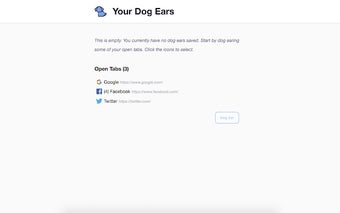
Dog Ear - New Tab Chrome Extension
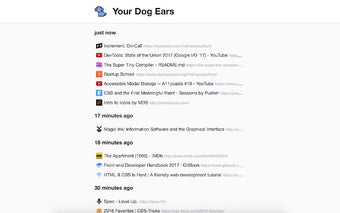
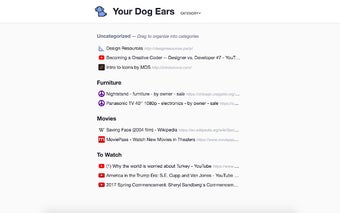
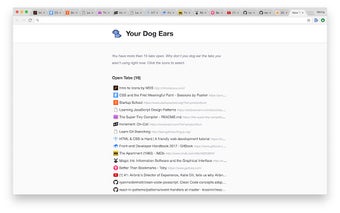
Dog Ear is a simple Chrome extension that makes it simple to bookmark tabs and use them later. By installing the Dog Ear extension, you’ll be able to bookmark a website, so you don’t have to remember its address. With Dog Ear, you can also choose a title for each website you wish to store.
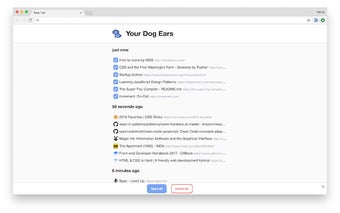
The rest is easy. To save a tab, simply click on “Save,” then select “Dog Ear” as your browser’s new default. Then, click on the title of the site you wish to save. You can also quickly restore your tabs by opening the extension’s menu and selecting “Restore Tabs.”
To restore all of your tabs, click on the “Restore Tabs” button.